Purchase parts for customer
Shop by Vehicle
- Parts Catalog
- VIN Verification & Fit
- Generic Search
- My Garage
Search
- Search by VIN/BOM/Major Component
- Search by Cross Reference
- Search by VMRS Category
Browse Categories
- Product categories

Expanding an aftermarket platform into a multi-business commerce experience

What is Excelerator and who uses it? Excelerator is Daimler Truck North America's aftermarket e-commerce platform, used by dealers and customers to search, find, and buy parts for any make, model, and application.
Dealers reported difficulty selling Extended Coverage and Connectivity Services because customers had no online destination to explore these products or request quotes. The process relied entirely on phone conversations, creating friction early in the customer journey.
Customer feedback revealed a preference for self research before speaking with a dealer. Without an online experience, many customers turned to third-party providers, even though there was strong interest in DTNA's OEM-backed offerings.
Business Stakeholders saw an opportunity to close this gap by integrating these products into the existing Parts website, allowing customers to discover offerings online and connect with dealers when they were ready.
"How might we architecturally expand an existing aftermarket commerce platformto support three distinct business lines while maintaining a cohesive user experience?"
How a dealer moves through the Parts website today
How a customer moves through the Parts website today
Does one of two jobs
Manage customer accounts created by this dealership. Whenever a customer shops for parts, this dealer will get their margin.
Manage dealership branches and its users (employees) under this dealership family.
Check orders by dealership branch or by customer.
Reads and replies back to the messages from other dealer users or customers.
Looks to see if any orders have failed and reaches out to Excelerator support if necessary.
Adds items to cart and places an order
Comes back later
Check the status of an order or look up past orders.
Check for recalls, or whether it is time to replace filters, oils, or parts.
See new offers and which offers are running.
Account management.
Before rebuilding the architecture, I wanted to understand user expectations — any special requirements, and any problems they were already facing that this work could resolve.

“Customers already come to Excelerator Parts expecting to find everything they need. If Coverages and Connectivity feel like separate products or live somewhere else, we end up spending time explaining where to go instead of helping them find what they need.”

“Our teams already know where to manage parts-related settings. Bringing Coverages and Connectivity into the same experience means less training, fewer questions, and a much better chance of consistent adoption across dealerships.”

“When I'm helping a customer, I don't think in terms of Parts, Coverages, or Connectivity as separate systems. I just need to find the right product quickly. Having everything in one place makes those conversations much easier.”

“I'm already in Excelerator Parts throughout the day. If Coverages and Connectivity are available in the same workflow, I can quickly bring them up during a job, show the options to the customer, and potentially make a sale without leaving the experience.”

“We already have customers visiting Excelerator Parts. By integrating Coverages and Connectivity into the same experience, we can increase awareness and adoption without asking customers to learn a new destination.”

“We're always looking for ways to reduce downtime and better manage our fleet. Seeing parts, coverages, and connectivity offerings together helps us evaluate all available options without jumping between different systems.”

“If there's a coverage plan or connectivity product that could help my customer, I want to discover it while I'm already shopping for parts. I shouldn't have to leave the site or call someone just to see what's available.”

“I just want to see everything that's available for my truck in one place. If I'm already buying parts, it makes sense to show me related coverages and connectivity options without sending me somewhere else.”

“The buying experience should be consistent across all products. If I know how to search for and purchase parts today, I should be able to find and buy coverages and connectivity products the same way.”
Users expect Parts, Coverages, and Connectivity to live within the same experience rather than as separate products or sites.
Customers and dealership employees want to discover and access new offerings in the places they already visit and understand.
Users should not need to leave their current workflow, switch systems, or learn a new path to find or purchase related products.
Finding, comparing, and purchasing Coverages and Connectivity should feel as familiar and intuitive as buying parts.
Parts and service teams need to quickly surface relevant offerings while assisting customers, creating opportunities for cross-selling and upselling.
The more the new offerings align with existing patterns, terminology, and workflows, the less training is required and the higher the likelihood of adoption.
Now that we have a clear understanding of our users' expectations, let's look at how other e-commerce experiences integrate multiple product offerings. This helps us create a familiar and intuitive experience that users can navigate with confidence.
How a dealer moves through Excelerator
How a customer moves through Excelerator
Comes back later
Check the status of an order or look up past orders.
Check for recalls, or whether it is time to replace filters, oils, or parts.
See new offers and which offers are running.
Account management.
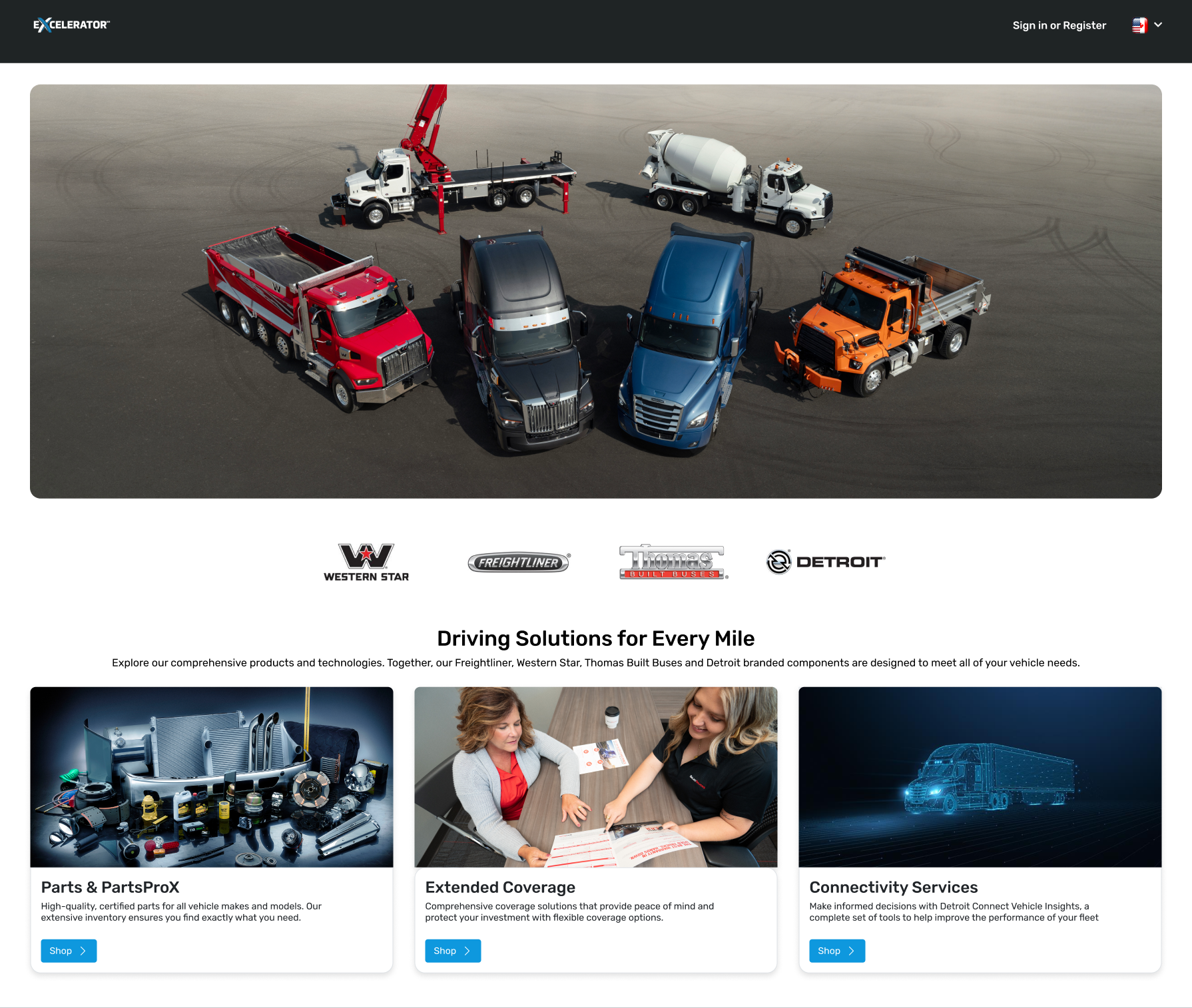
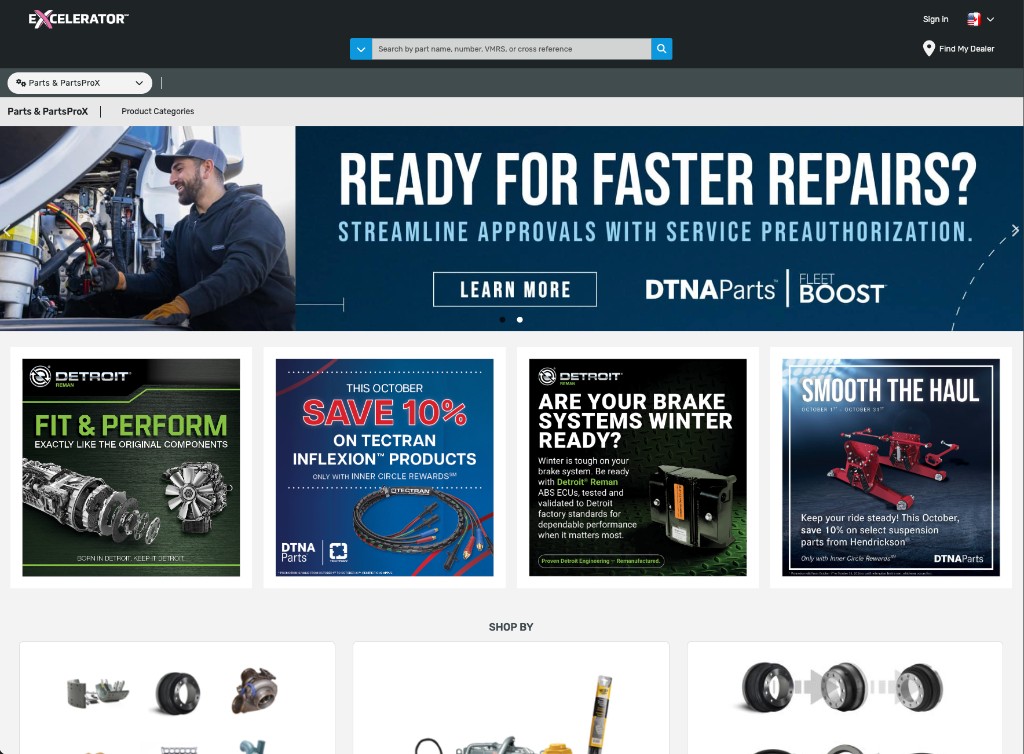
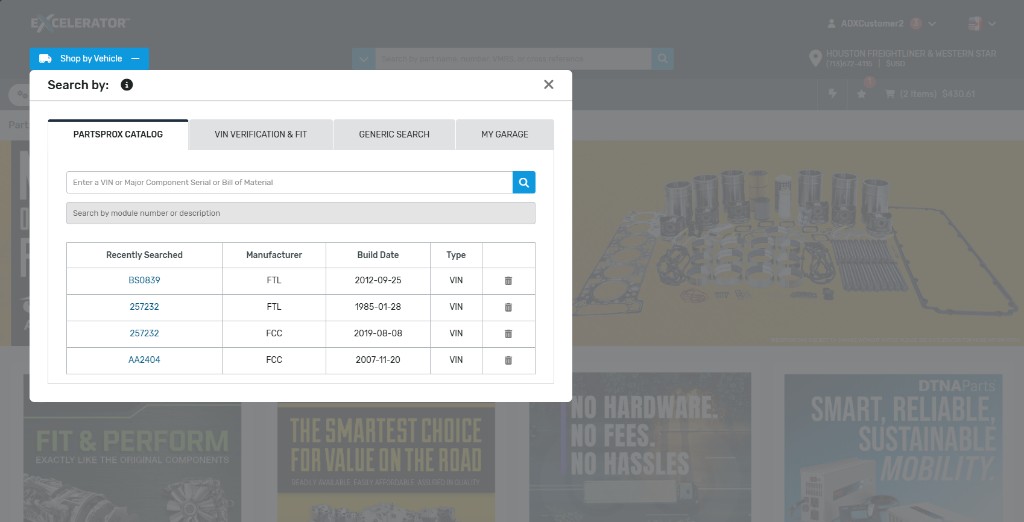
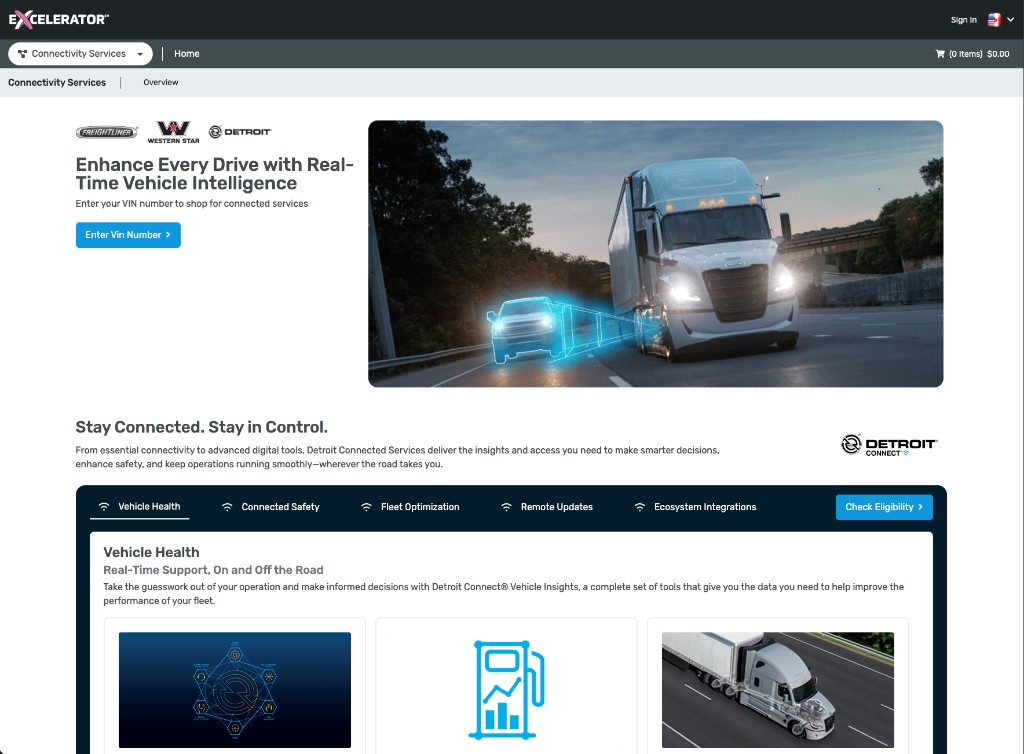
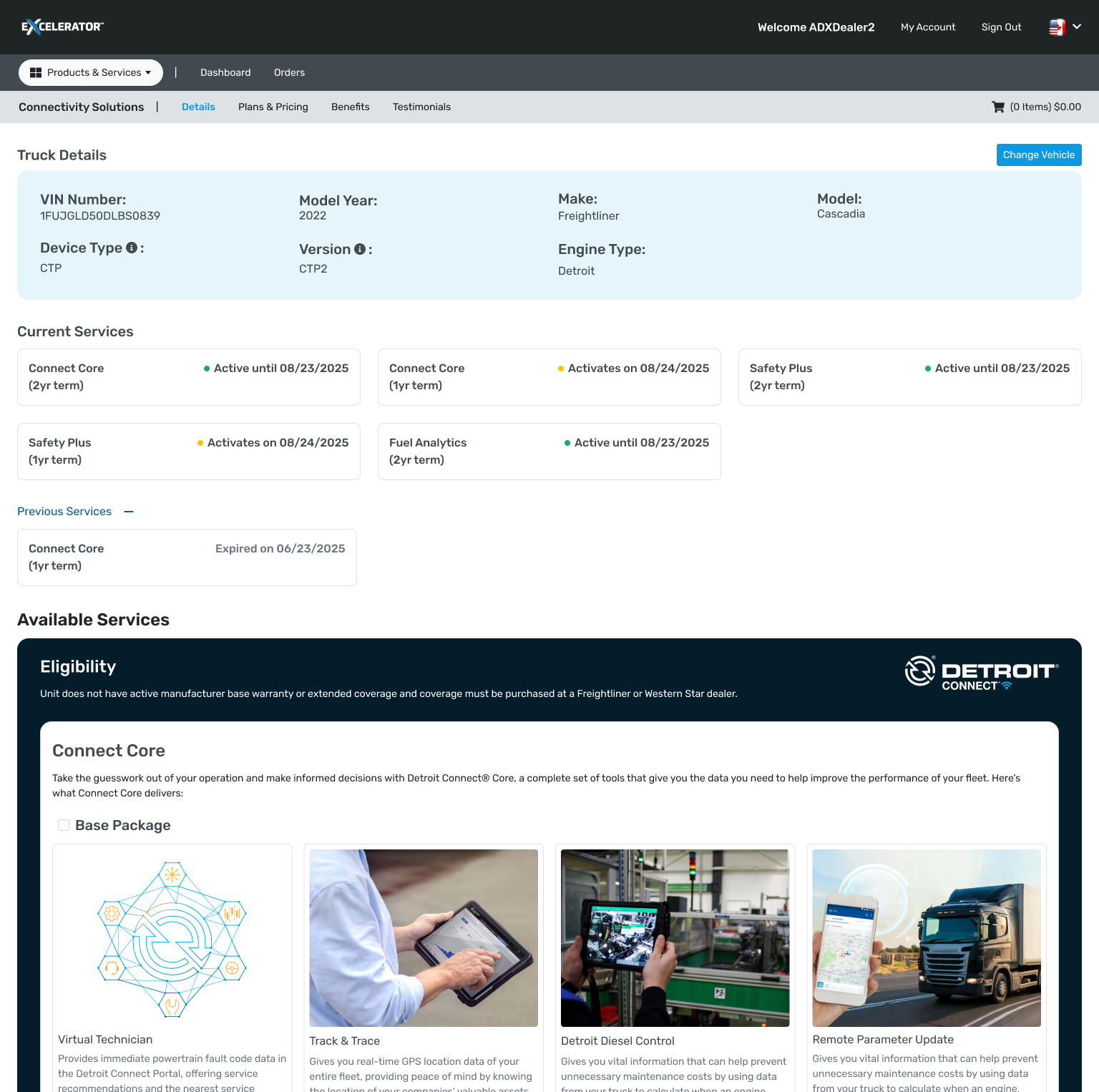
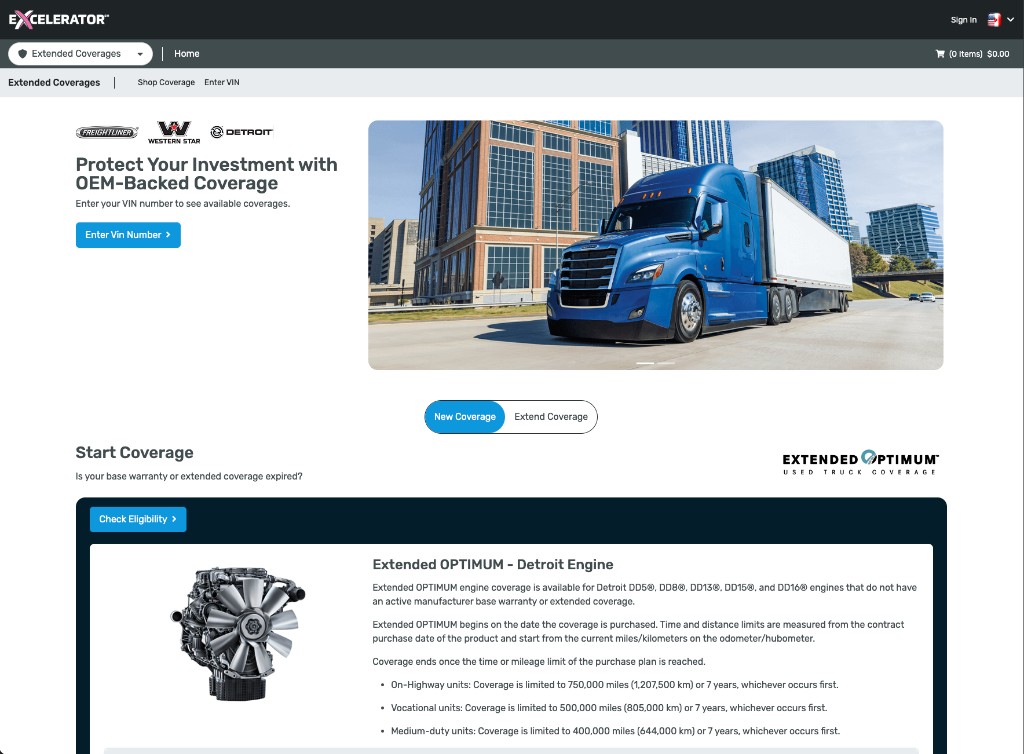
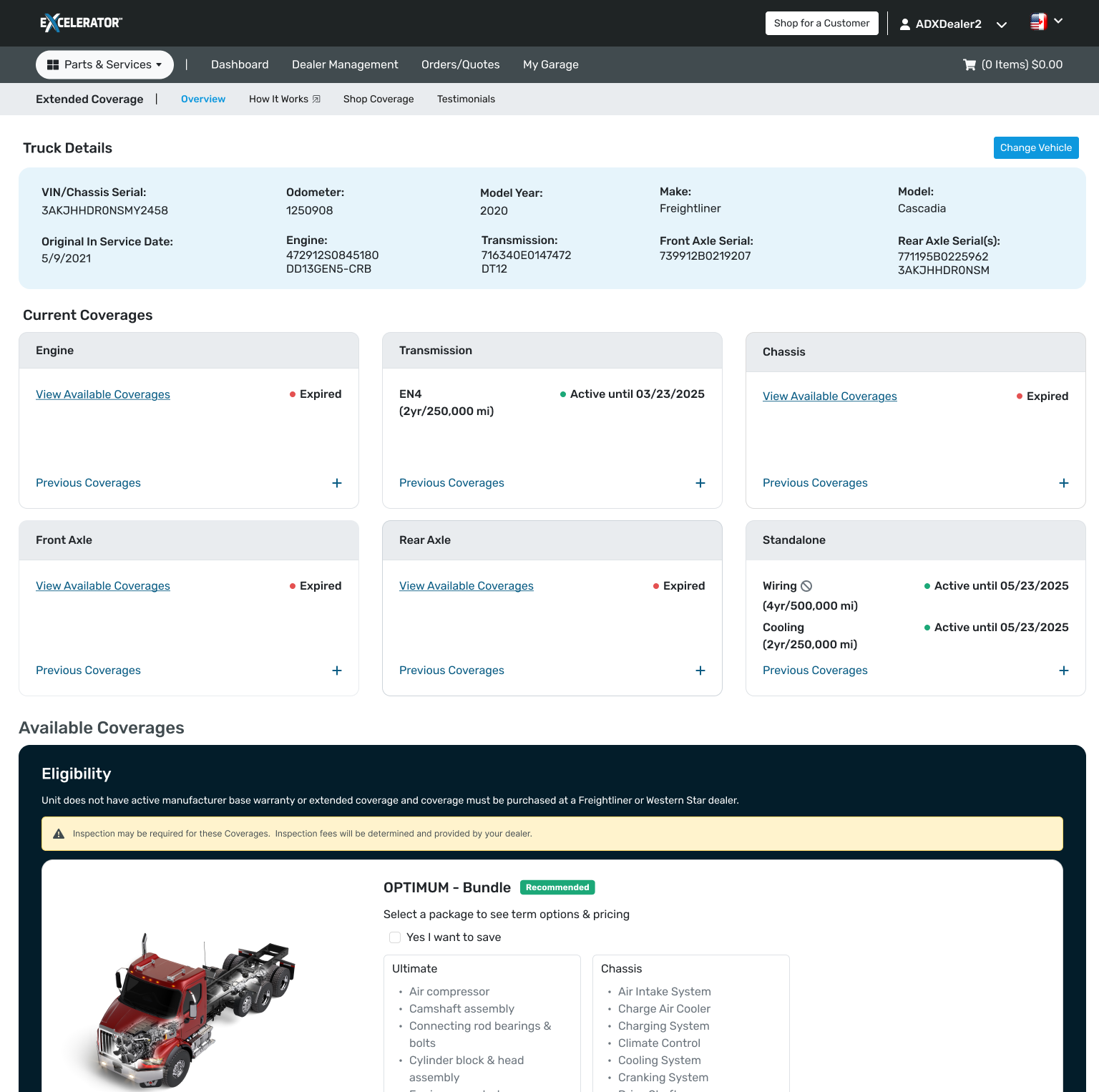
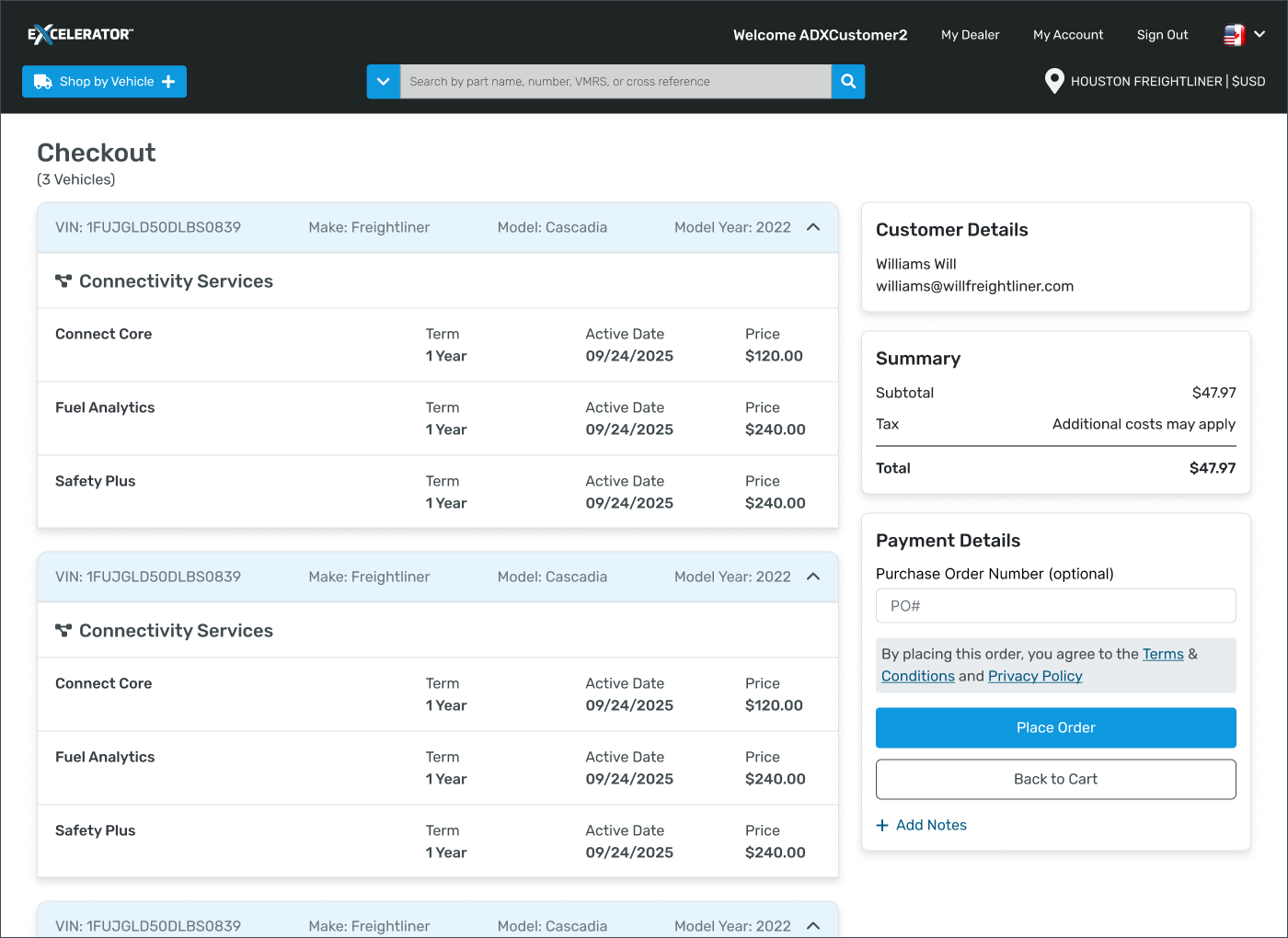
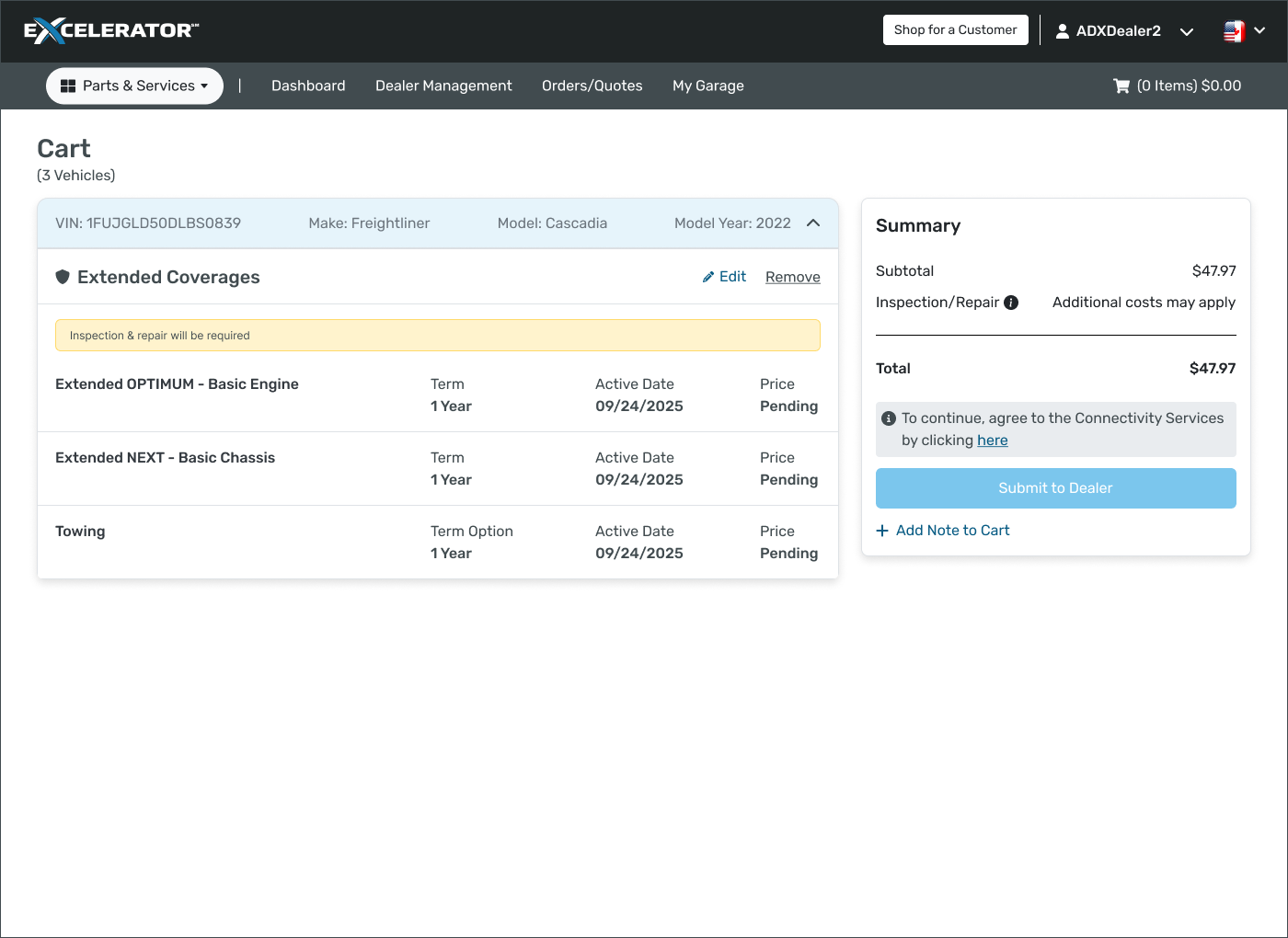

As part of our validation effort, we brought together customers and dealers to experience the redesigned site firsthand. Using a staging environment, participants completed common workflows using provided test credentials and VINs.
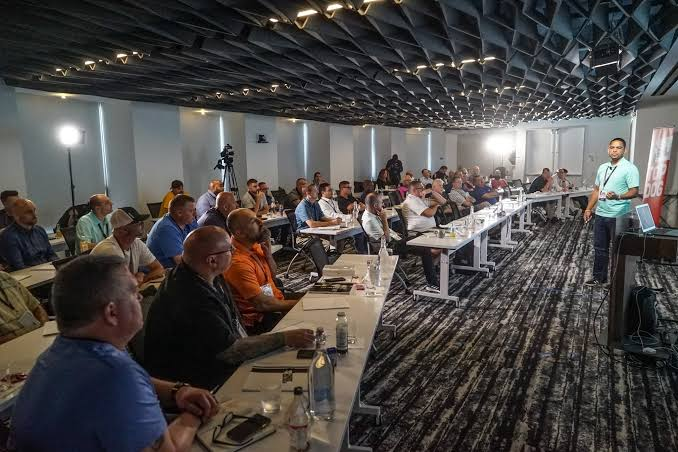
The pilot reinforced that integrating Parts, Coverages, and Connectivity into a single experience aligns with user expectations. Because the experience followed familiar e-commerce patterns, users were able to navigate confidently and complete their tasks with ease.